In seiner Funktionalität auf die Lehre in gestalterischen Studiengängen zugeschnitten... Schnittstelle für die moderne Lehre
A do-it-yourself hydroponic system with digital interface to convey independent, sustainable autonomy in cities.
Abstract
This study found positive associations between perceived
greenness and mental health both in the home and study
environment. This indicates that more attention should
be paid to developing green university campuses, in
addition to green living areas.
Numerous studies have shown that the presence of greenness and visits to green space can reduce stress and improve restoration of the brain, and thereby improve mental health. Unfortunately, green space at home is becoming a privilege only few people can afford – especially in urban areas. Traditional gardening takes up a lot of resources, as space, water, soil and so on.
Over the course of the past few years a technique called “hydroponics” has become increasingly popular. For now tho, mainly in an industrial context as those system can be extremely complex and time consuming – but very productive.
Currently there are a lot of smaller and bigger companies, selling those systems for sometimes horrific prices. So you either need to afford a lot of space, or you need to be able to afford one of those systems – either way, you need to be able to afford it.
Gård is an open source approach to those systems, giving people the chance to build one of those systems for themselves on a budget without having to compromise on features, such as an digital companion, or nice looks.


©Marco König


©Moritz Krause


©Moritz Krause


Note:
All of the final files etc. needed are attached to this post as a zip. You can find it at the bottom of the page.

©Moritz Krause


- Website to tell the story, give information and provide instructions
- Web-App for giving access to every single Gård
- Arduino Development of the core system – mqtt client, wificlient
- Product Design of the tower as a modular system
Website
Using a representative website to inform our users about the construction, the app and the background of our project.

©Marco König


Corporate Design


Hydroponic systems are very hard to monitor without sensors and data. This is why we decided to provide a custom interface to access this information. This information currently includes the current water level, the pH score and nutrition value of the solution. We are going to keep on developing the system in order to refine our datas structure and add new sensors to the system.
We wanted our users to be able to get the current status of their Gård at any given time, so we ditched our idea of running the system on a local level and went for an mqtt server (shiftr.io). This way we do rely on an internet connection, but in return don't need to be on the same wifi network.
Data Visualization
Being able to recognize the current status at a glance is an important part of our tool. The sensor data is rendered live in form of a pixel cloud morphing in realtime to match the data.

©Moritz Krause


©Moritz Krause


As every other IoT Device our Gård needs a first setup – granting access to your wifi, entering your water tank depth and assigning a name to your Gård.
On boot the system checks if you previously entered any wifi credentials and if it’s able to use these to establish a connection to your network. If this fails, an access point is created to which the user can connect and enter their details under gard-setup.local.
Once all the information has been passed to the system and written to the file system the user gets redirected to a success page containing their personal tool-url.

©Moritz Krause

Once all the information has been passed to the system and written to the file system the user gets redirected to a success page containing their personal tool-url.

©Moritz Krause

Hardware
Currently we are working with one ESP32 board as the main core. Connected to it is one analogue TDS sensor, one analogue pH sensor and one digital ultrasonic sensor. The setup is really easy and doesn’t even necessarily require soldering as you could easily just plug everything together with jumper cables.

©Moritz Krause


Structure + Material
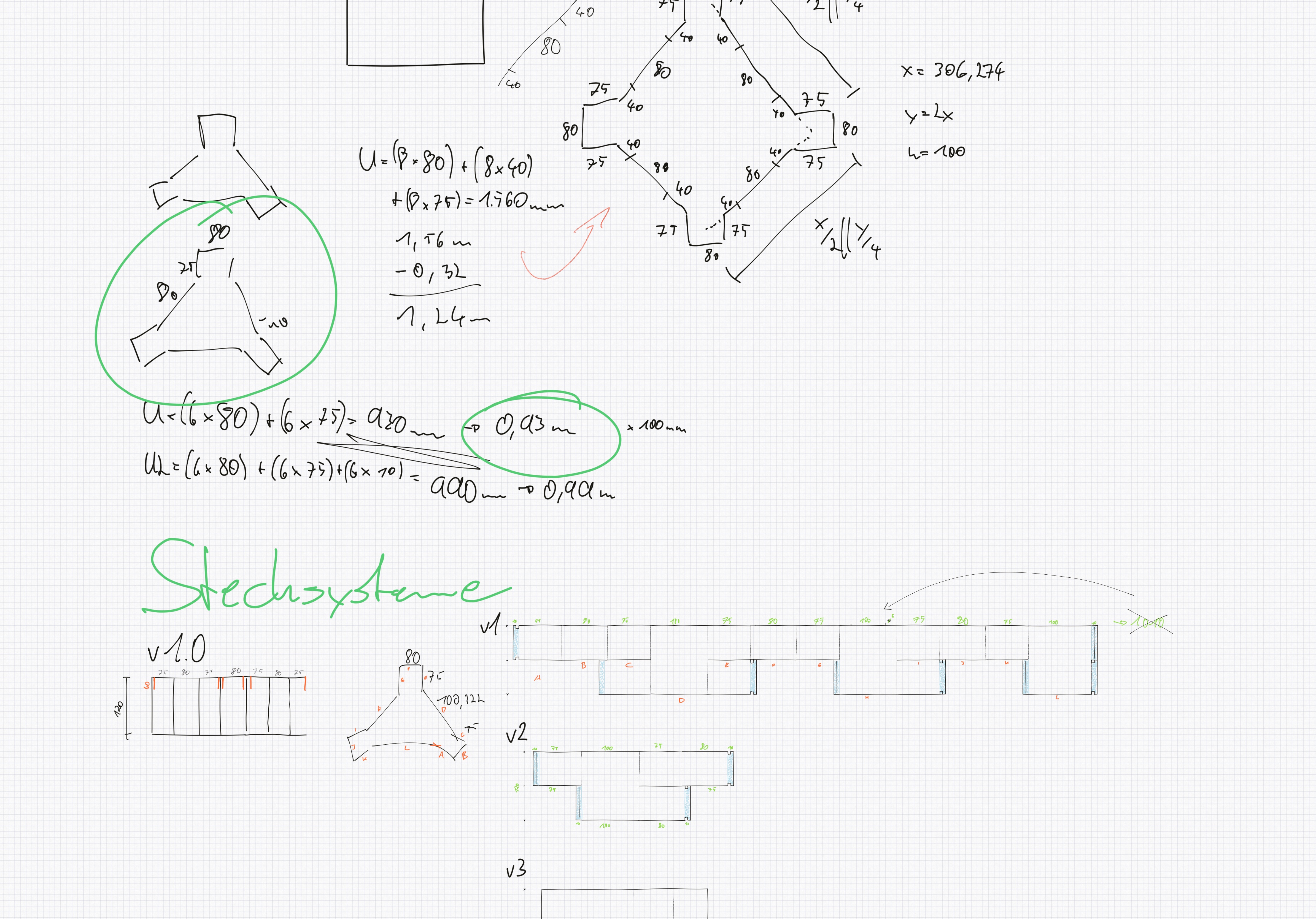
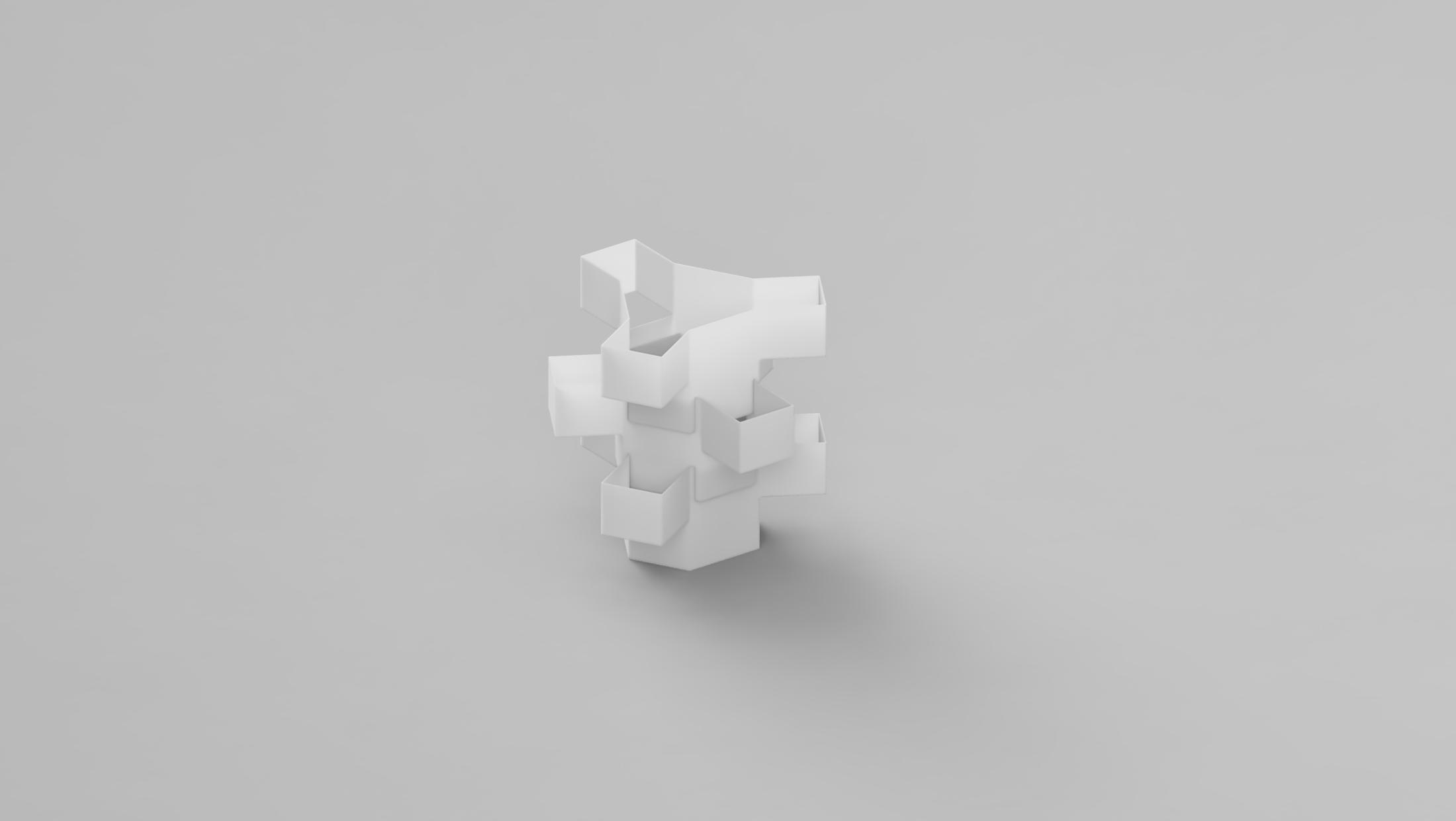
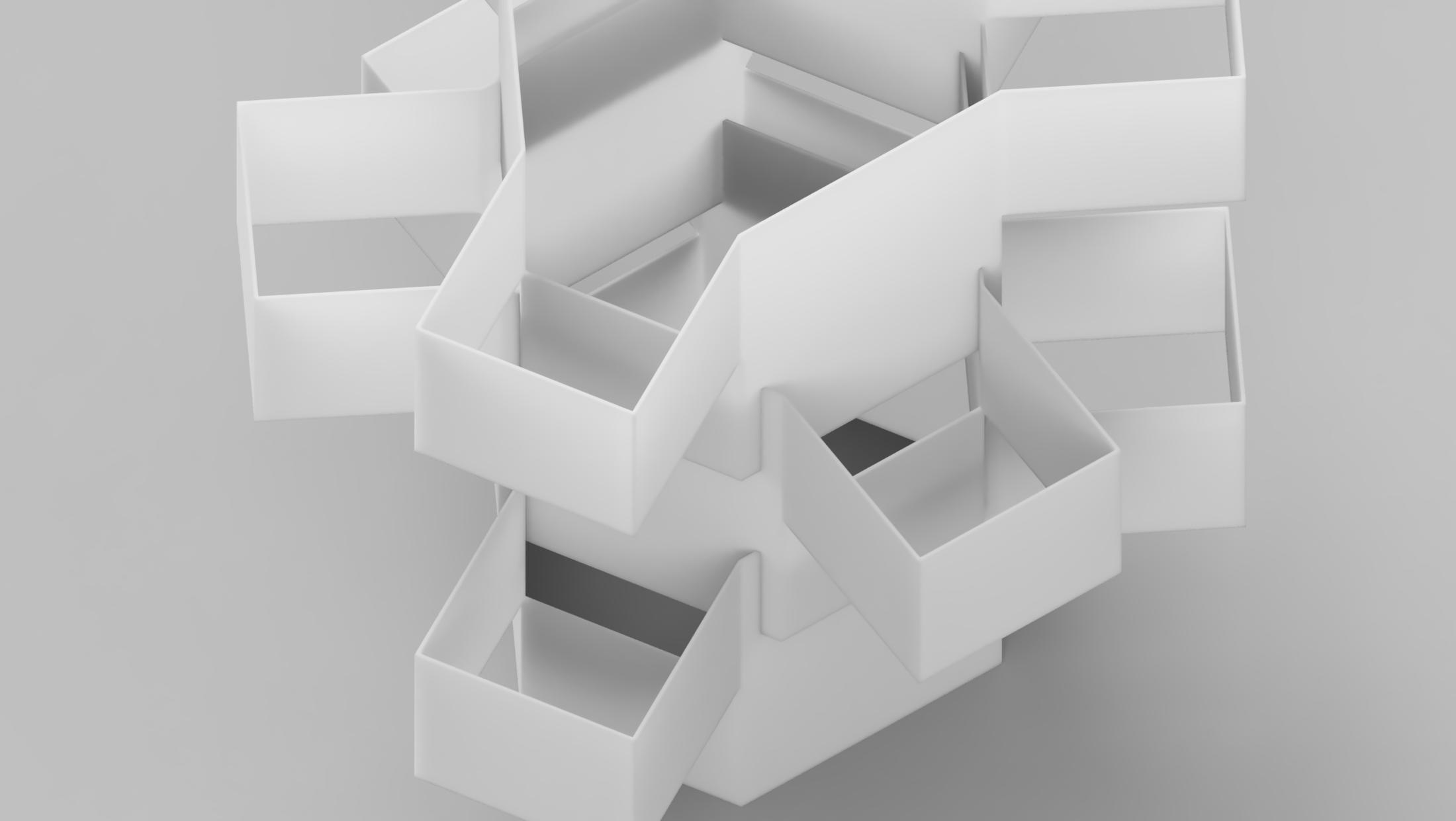
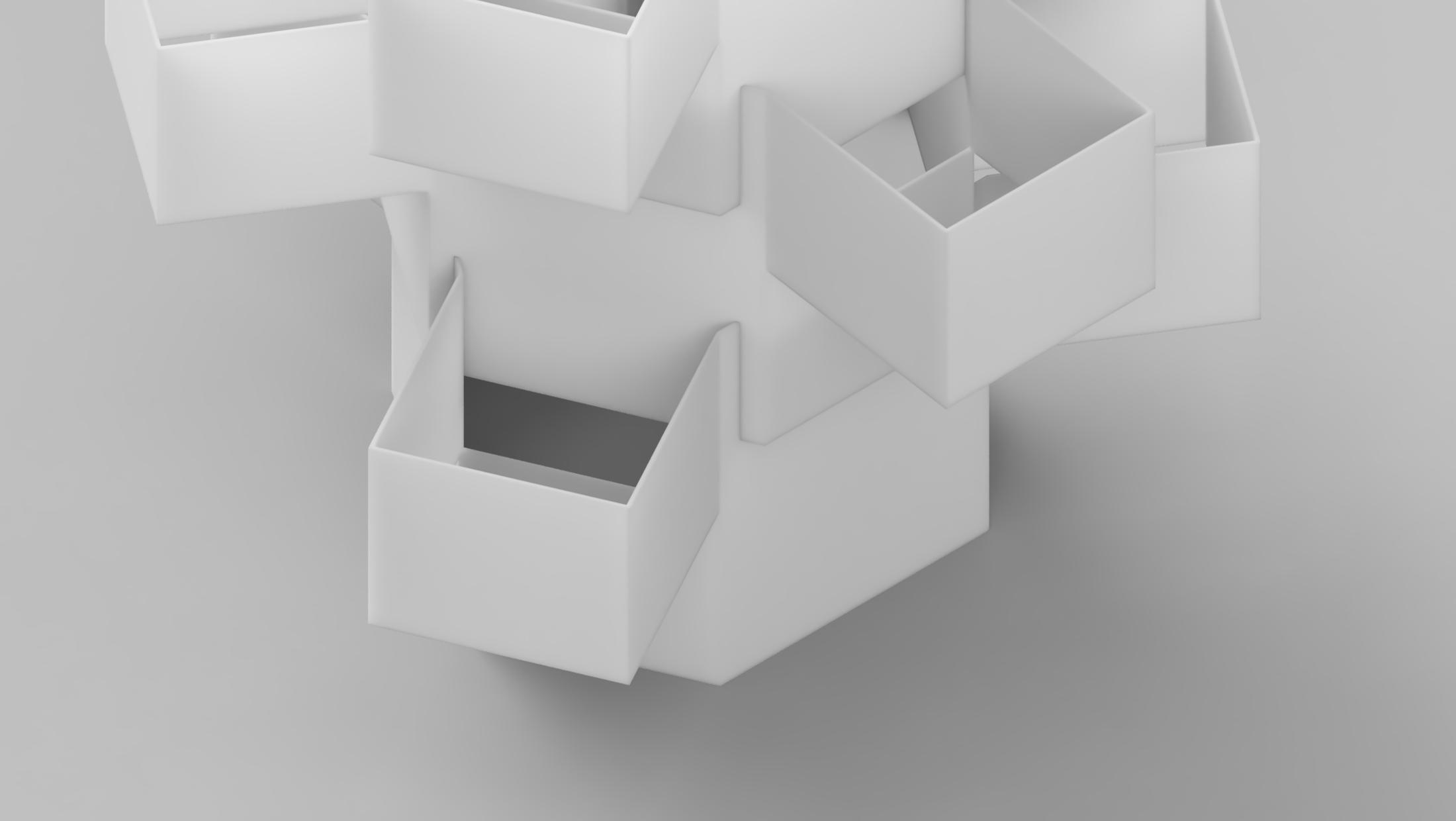
We came up with a modular system that can reach every height the user needs. Combined with our chosen material polypropylene this structure gives a unique, contemporary aesthetic.
We chose PP because of its building characteristics:
Easy to produce with either a cnc mill, or a little patience and a sharp knife
Water repellant
Recyclable but still affordable
The Translucent optic is very aesthetic

©Moritz Krause

CAD & CNC
The materials thickness we recommend is 1.2mm, which makes it quite hard to cut by hand, especially as the modular systems requires some flaps to connect the single peaces.
So we choose to produce the single sheets with a cnc mill, which every future Gård owner can do also by sending materials and data to a Makerspace.

©Moritz Krause


©Moritz Krause


Using a touchme sensor, we created sounds made by our Gard-Tower. We then converted these sounds into shapes using p5.js.

©Marco König


©Marco König
Software / Tool
Die Sensoren und mqtt laufen bis auf PWM der Pumpe.
Die Website zum Tool läuft aktuell in Webflow mit nem Haufen JS und einem URL Parameter – einer unique ID.
Tower
Material kommt Ende der Woche, am Wochenende und nächste Woche fertig bauen— Skizze und Maße sind bereits fertig.
CAD
Website
Lorem

©Moritz Krause

State 28.04.
Var01
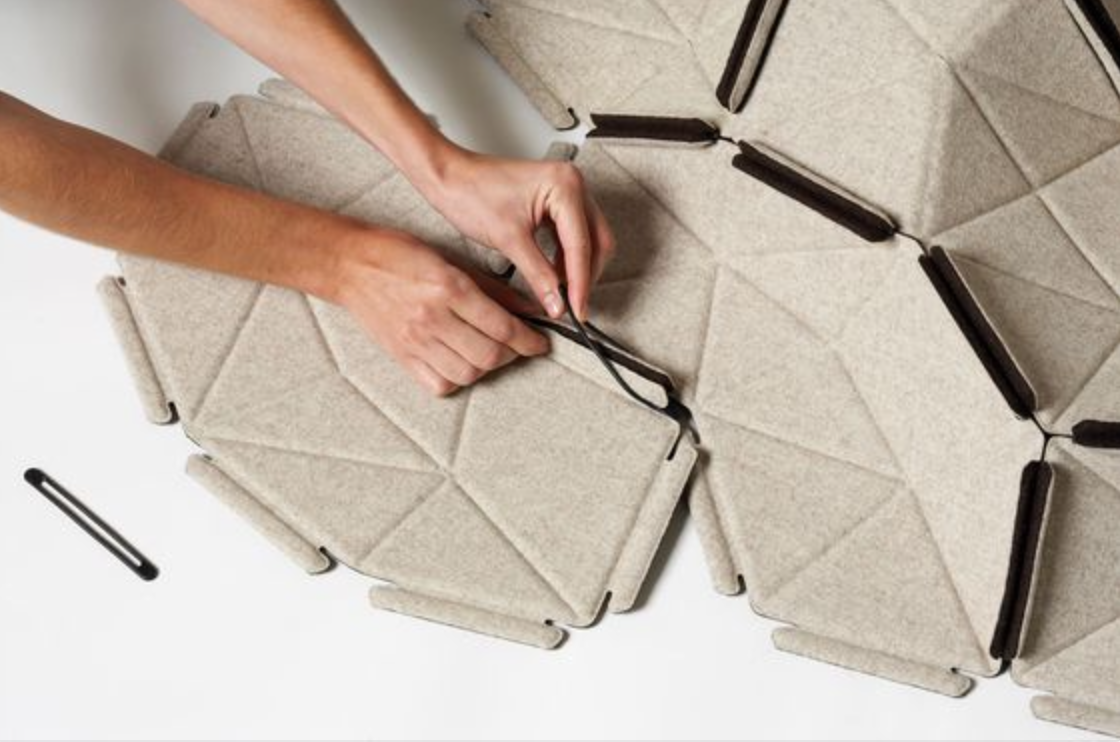
Materials:
- Polypropylen (as known from those „round“ translucent Ikea-Lamps)
- KömaTex Freischaumplatten (hard to get, but 100% recyclable
Pro:
- no need of nails or screws
- very lightweight and affordable
Con:
- maybe not that stable? Depending on the thickness
- maybe leaking problems, as there are going to be small gaps
Var02
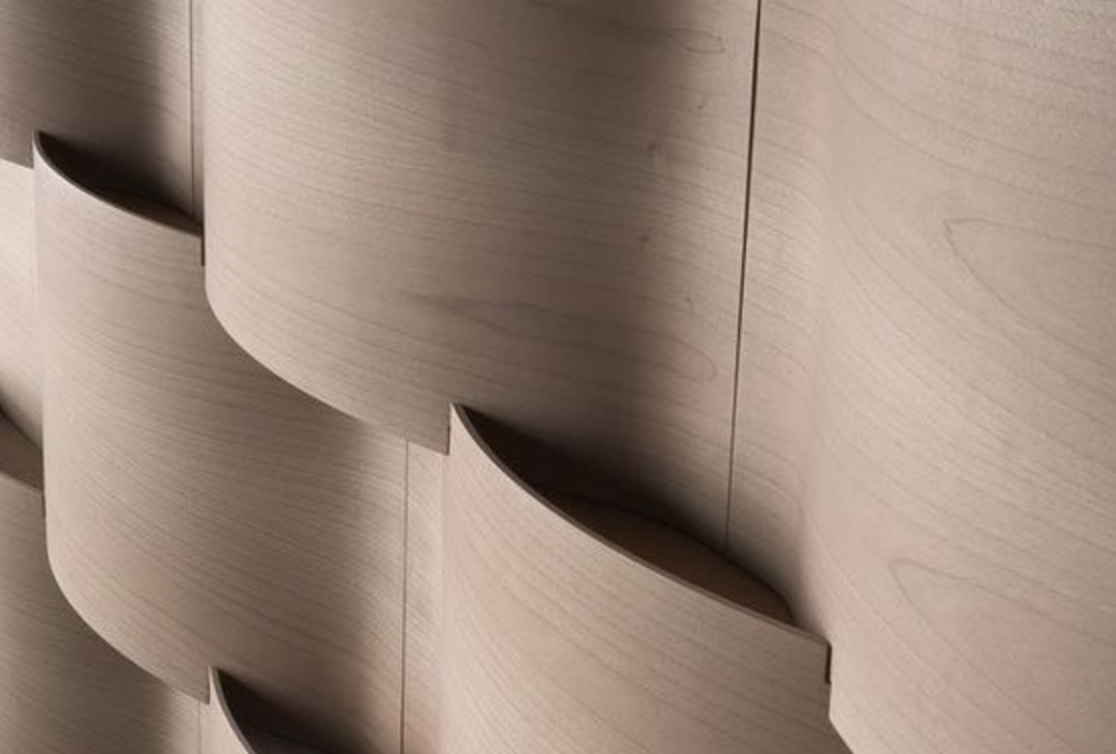
Material:
- Polypropylen or maybe even Styrodur?
- Maybe some sort of wood?
Pro:
- smooth surface
Con:
- Hard to use in round structures
- maybe hard to construct
- stability issues under weight
Var03
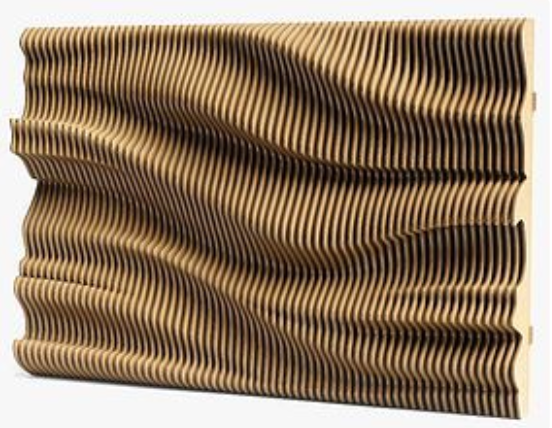
Material:
- Wood, Acryl or Hardfoamplates
Pro:
- looks fancy
Con:
- needs lots of materials
- expensive
- very heavy
- not that sustainable
Finales Material
Polypropylen ist gut recyclebar und kann einfach mit einer CNC oder zur Not mit dem Cuttermesser bearbeitet werden.
State 28.04.
Resources
Surface Material
- Polypropylen
- KömaTex Feinschaumplatten (hard to get…)
- 3d printed?
Water container
- normal bucket thing… nice flower bot or similar
Water pipe
- sustainable alternative to pp?
Plant (Net-)Pots
- maybe 3d-print or just buy standard net-pots
Hardware
Arduino
- Grove PH-Sensorkit – 15,89€
- M5Stamp C3 – 11,89€
- Grove Distance Sensor – 5,99€
- TDS Meter – 4,89€
Software
Water Level
https://maker.pro/arduino/projects/ultrasonic-arduino-water-level-indicator
TDS Meter
Websocket
https://randomnerdtutorials.com/esp8266-nodemcu-websocket-server-arduino/
Web
- Landingpage – What & Why
- How & Data
- Tutorial & Tool Demo
- About
Update Wifi
UNormalerweise müssen auf einem ESP die WiFi-Settings fest im Code hinterlegt sein – UX: 2 von 10.
Wir setzen auf die Library WiFiManager, die erst ein temporäres Netzwerk aufbaut, mit dem sich der Nutzende verbinden kann und die Zugänge eingeben kann. Darüber könnten wir dann auch die IP-Adresse des Websockets an den Nutzenden geben.
Alternativ erforschen wir noch WPS als Verbindungsmethode. Dadurch können wir allerdings unser IP-Problem noch nicht lösen.
Fallback wäre Wifi-Manager + statische IP-Adresse
Final Wifi
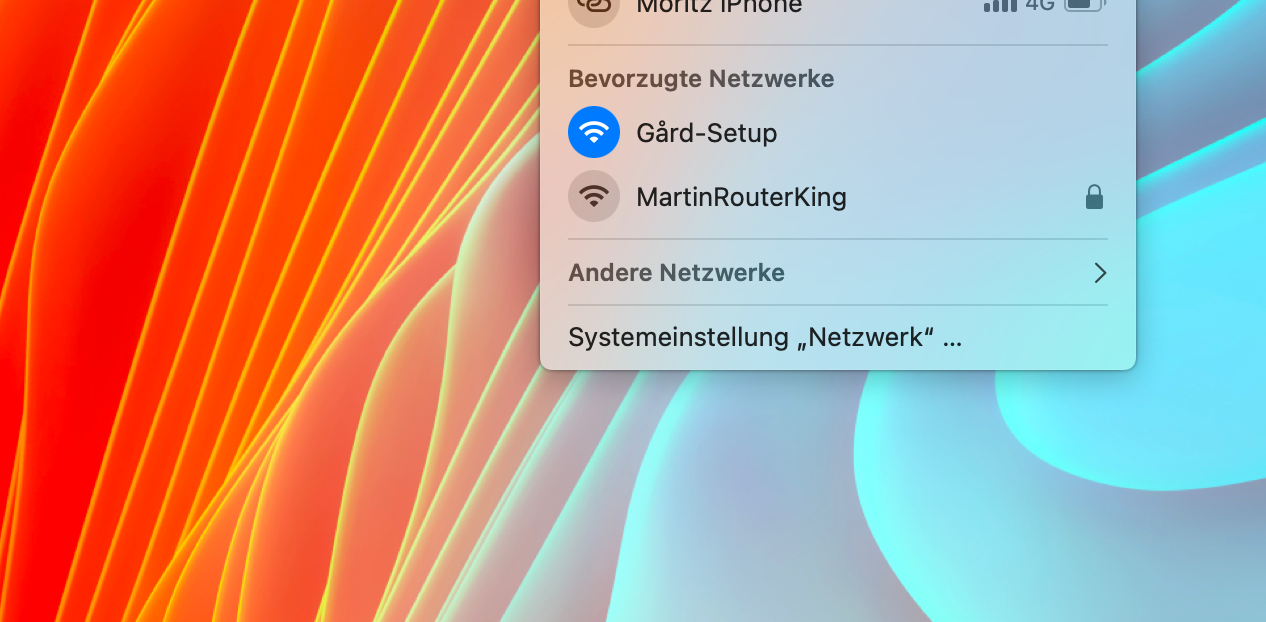
LittleFS
Um Passwörter länger zu speichern, als der eeprom ermöglicht.
mDNS
MutliDNS um statt auf IP-Adressen einfach gard-setup.local und gard.local nutzen zu können.
Leider nur unterstützt auf mac/iOS, das Setup läuft aber hardcoded auf 192.168.4.1 und die IP Adresse des Tools kann man selbst festlegen bzw wird angezeigt (Default 192.168.1.200).
ESPAsyncWebServer
Damit können mehrere Clienten gleichzeitig auf den Server zugreifen und bekommen asynchrone Updates. Schön schnell und reaktiv.
Workflow:
Plug in → Tries to connect to WiFi with previously stored data
Can connect? → Opens index.html and shows the application under
gard.local
Connection fails? → Opens wifimanager.html on gard-setup.local → Saves the entered SSID, PW, IP and Gateway → tries to connect and opens on declared IP

©Marco König


©Marco König


©Marco König


Stand 24.05.
Unser Interface besteht aktuell aus 3 einzelnen Grafiken. Wir testen noch eine Version mit einer Grafik statt einzelnen, allerdings sind wir noch skeptisch, da die Daten nicht direkt zusammen hängen und einzelne Grafiken wahrscheinlich fast verständlicher wären → Testing…
Fachgruppe
MediendesignArt des Projekts
Studienarbeit im zweiten Studienabschnitt
Betreuer_in
 Prof. Michael Zöllner
Zugehöriger Workspace
Interaction / Information Design (MD6)Entstehungszeitraum
Sommersemester 2022